JSON Templates
Design templates visually. Render anywhere.
JSON Templates gives you a visual drag-and-drop editor to design document templates — no coding required. The result is a clean, portable JSON file that describes your document's structure, layout, and content.
Render it to HTML or PDF using the JSON Templates Engine, or build your own renderer for complete control over the output. The JSON format is language-agnostic, versionable in Git, and easy to share across teams.
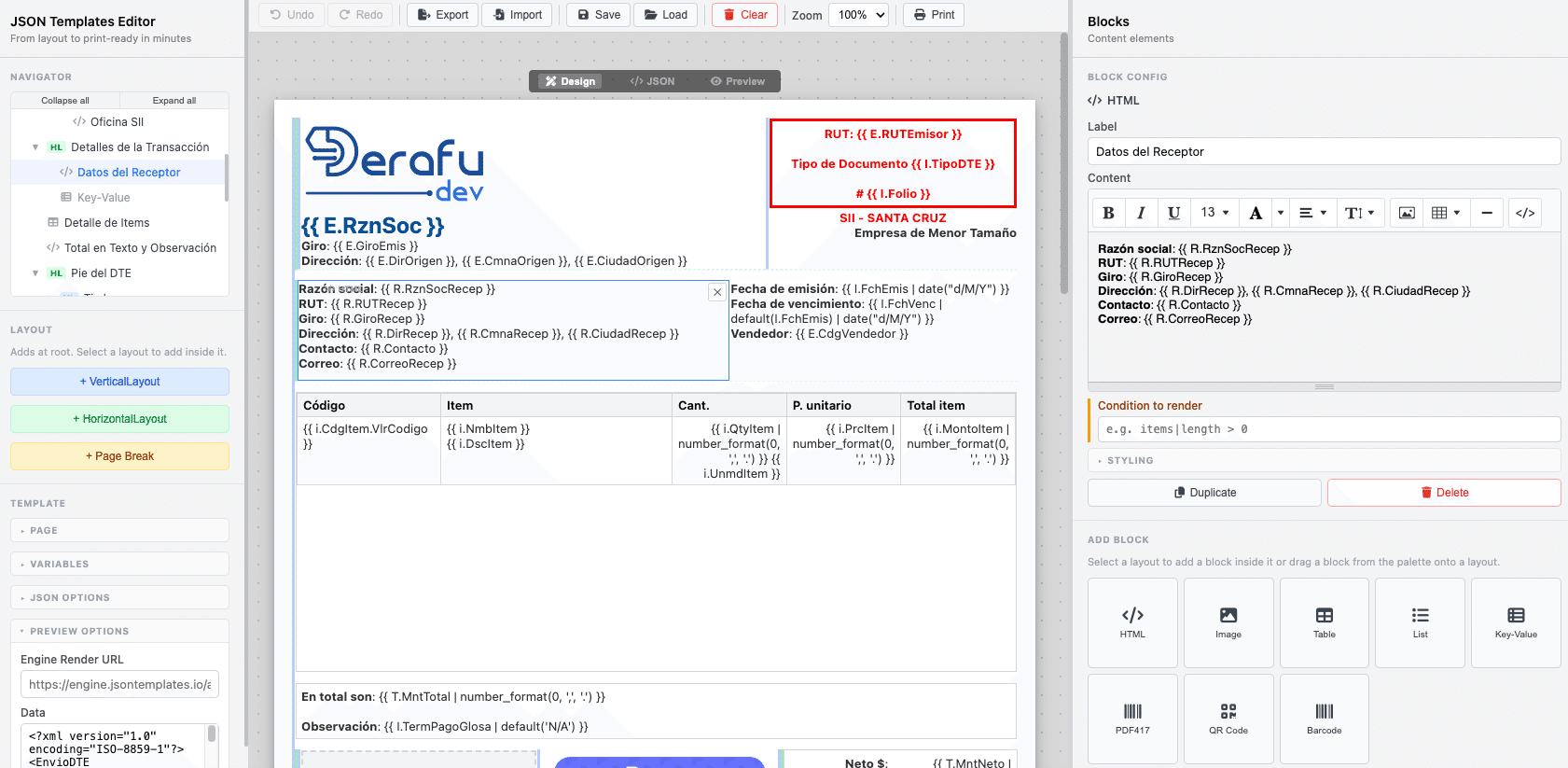
How JSON Templates works
A simple, powerful pipeline: design your template visually, export it as JSON, and render it anywhere.

See the editor in action
Watch how easy it is to design a professional document template in minutes — drag and drop blocks, add your content, assign variables, and export your template as JSON, ready to render.
Everything you need to build document templates

Visual Editor
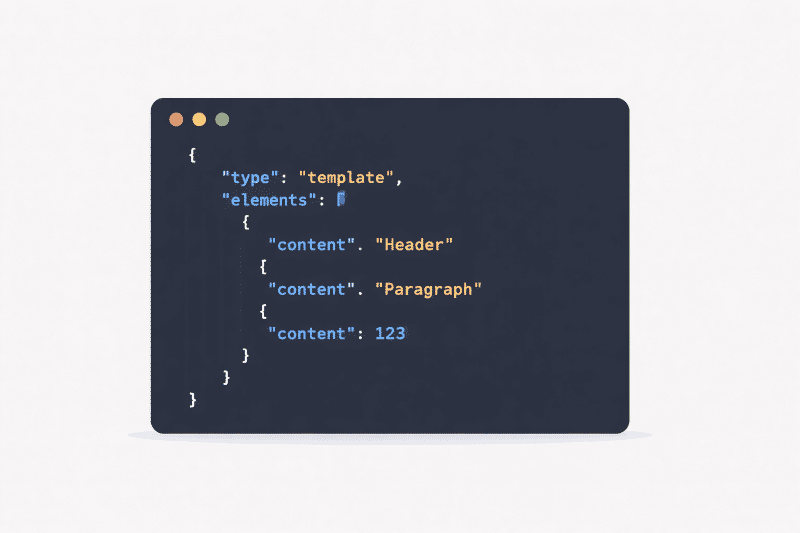
JSON-based Templates
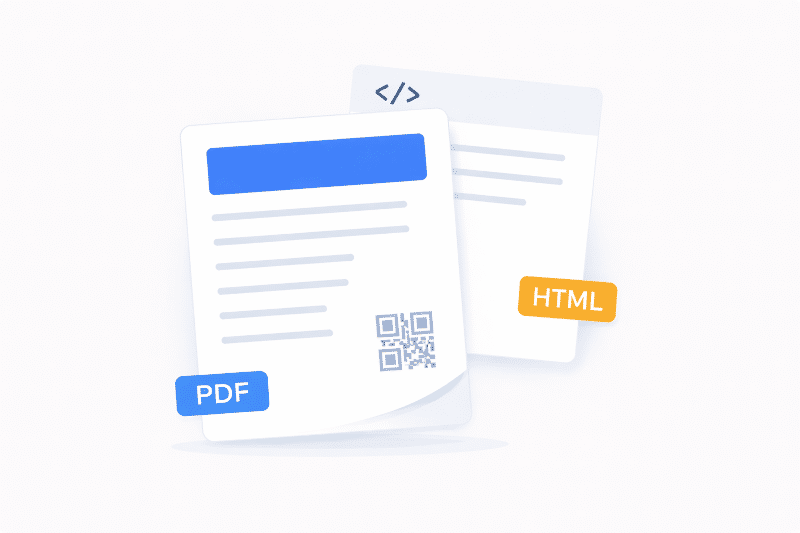
HTML & PDF Output
Rich set of building blocks
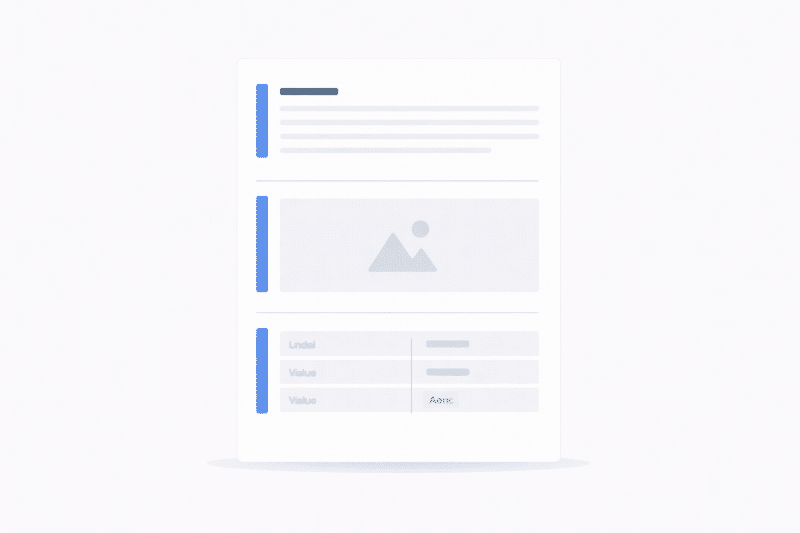
Compose any document using a variety of block types — from rich text and images to tables and barcodes.
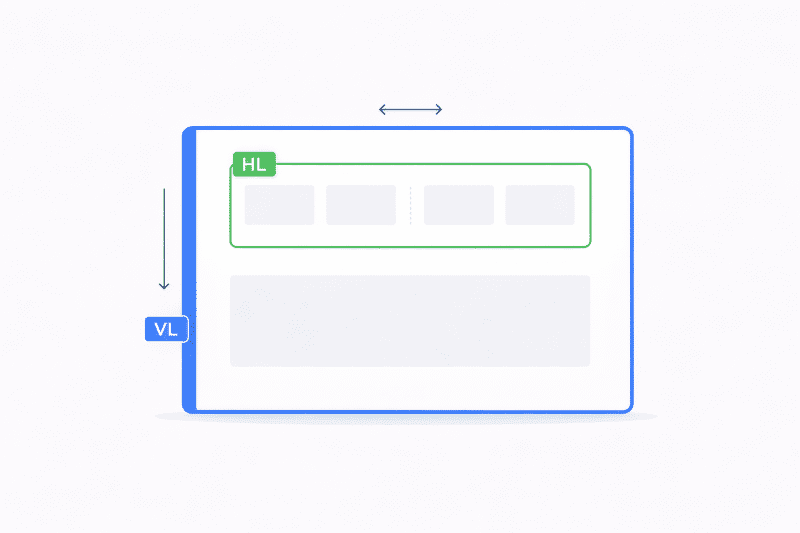
Vertical Layout
Stack blocks from top to bottom. The foundation of any document — use it to organize sections, group content, and build a clear reading flow.
Horizontal Layout
Place blocks side by side to create multi-column structures. Nest inside vertical layouts for full document grid control.
Unlimited nesting
Combine vertical and horizontal layouts freely. Build complex document structures without writing a single line of CSS.
HTML / Rich Text
Add formatted text using the built-in WYSIWYG editor. Bold, italic, lists, links — full rich text support.
Image
Embed static or dynamic images in your document. Ideal for logos, signatures, and visual content.
Key-Value Pairs
Display label-value pairs cleanly — perfect for document headers, summaries, and metadata sections.
List
Render dynamic lists of items with full formatting control.
Table
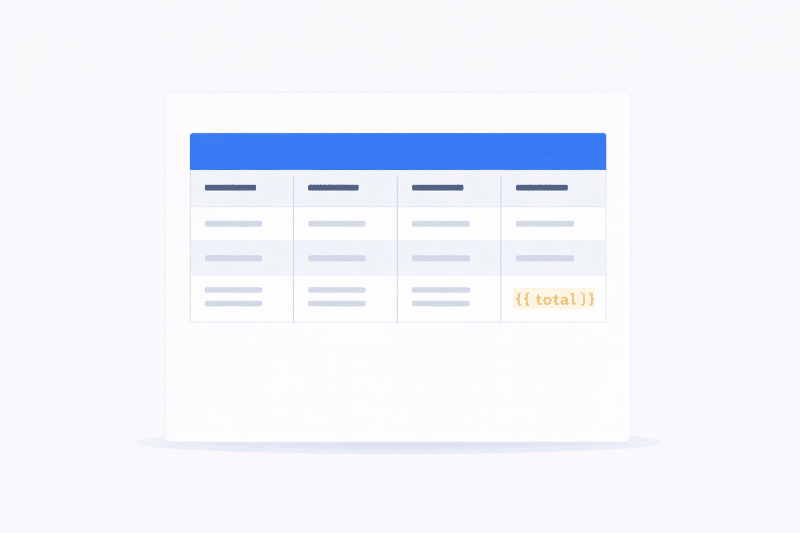
Display structured data in a fully customizable table. Define columns, bind rows to your data variables, and apply styles — great for invoice line items, reports, and more.
Barcode
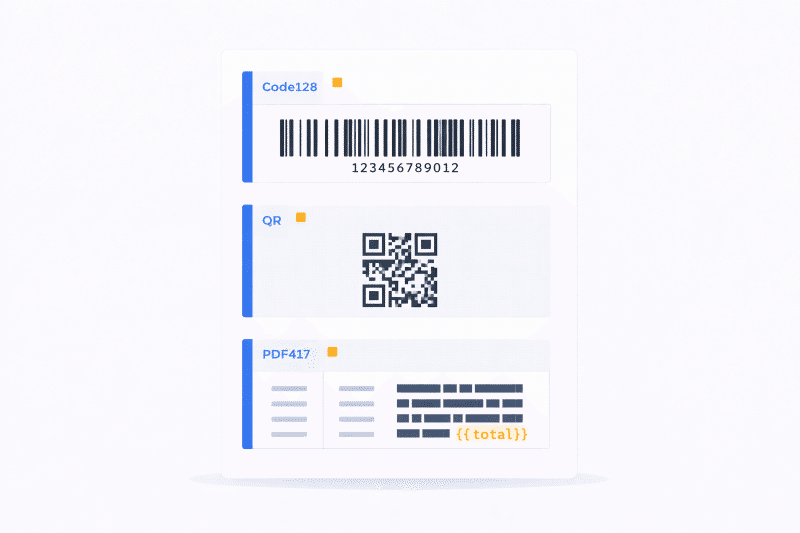
Generate linear barcodes (e.g. Code128) from dynamic values. Ideal for product labels and shipping documents.
QR Code
Embed QR codes linked to any URL or data value. Perfect for digital verification, links, and traceability.
PDF417
Add high-density 2D barcodes for applications that require large data payloads in a compact format.
A powerful editor designed for productivity
Drag & Drop
Live Preview
Undo / Redo
Export & Import
template.json file and import it back at any time. Share templates across projects and teams.
Template Variables
{{ variable }} or {{ variable|default('value') }}) to make your templates dynamic and data-driven.
Navigator Tree
Who is JSON Templates for?

Designers & Operators
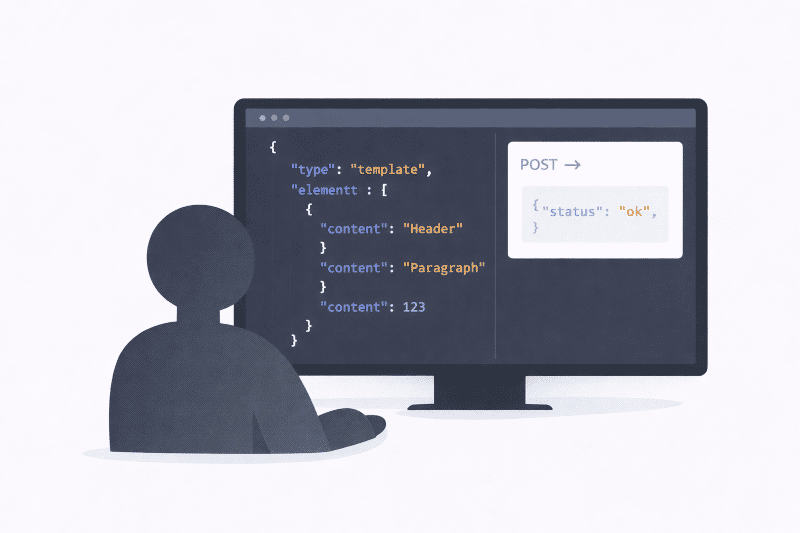
Developers & Integrators
What can you build with JSON Templates?
From simple labels to complex multi-page documents — if it can be printed, JSON Templates can help.
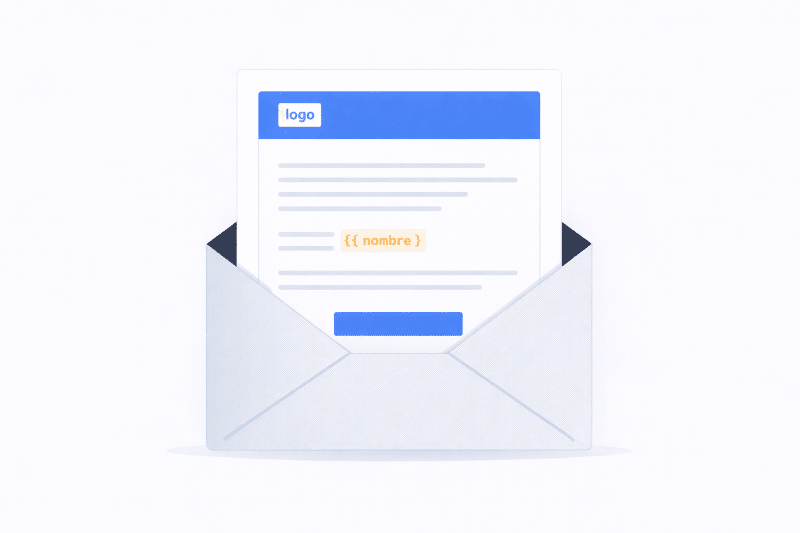
Email Messages
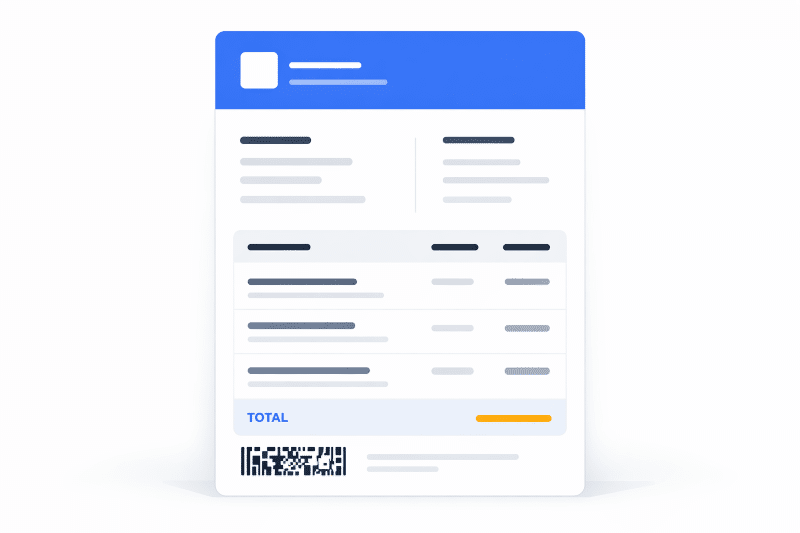
Invoices & Receipts
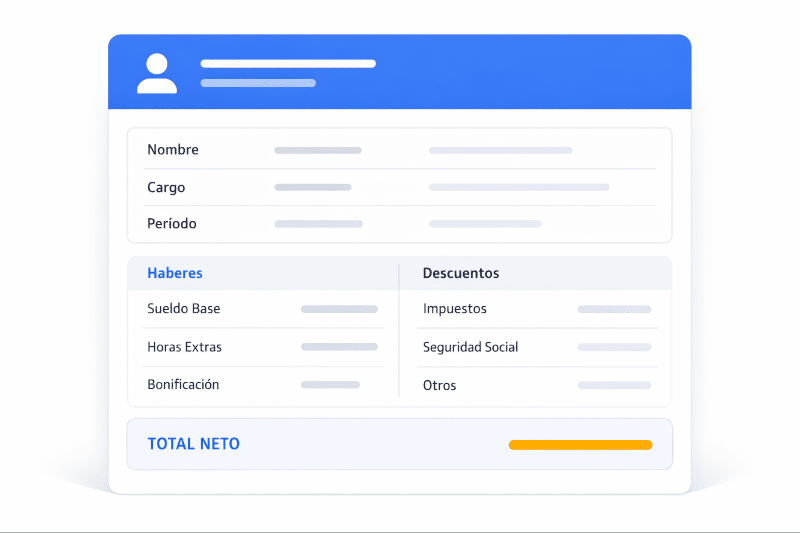
Payroll & HR Documents
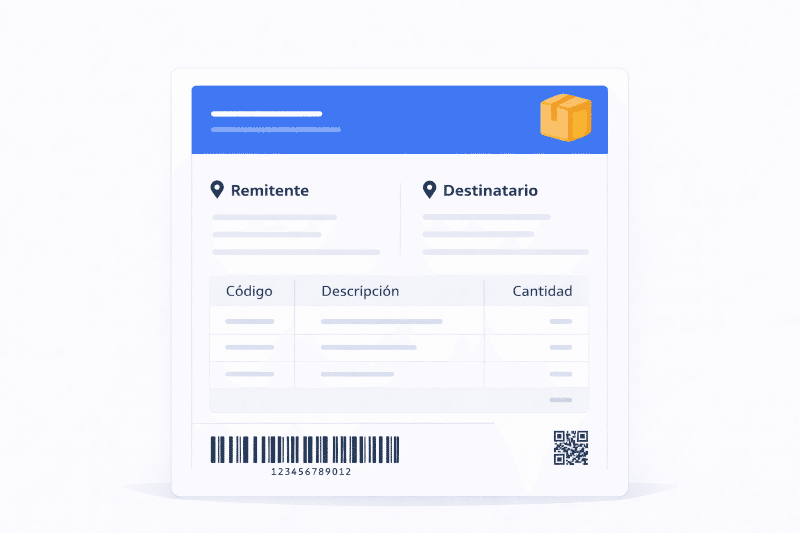
Delivery & Packing Slips
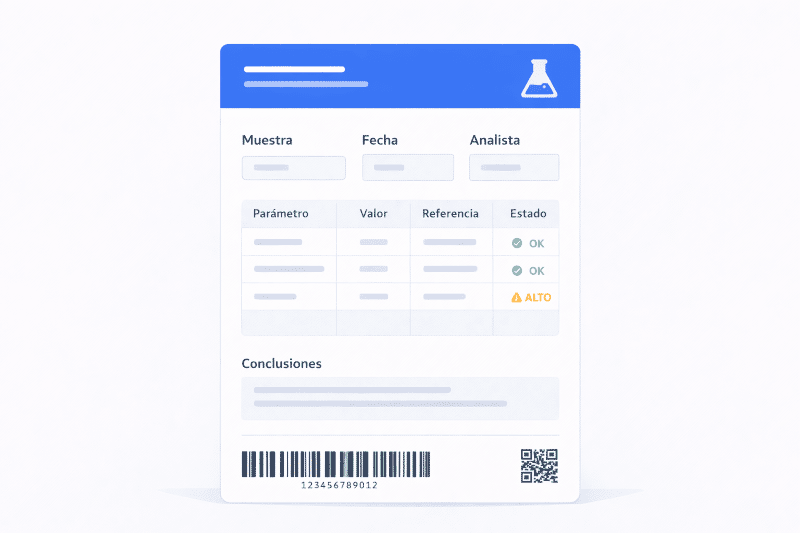
Laboratory Reports
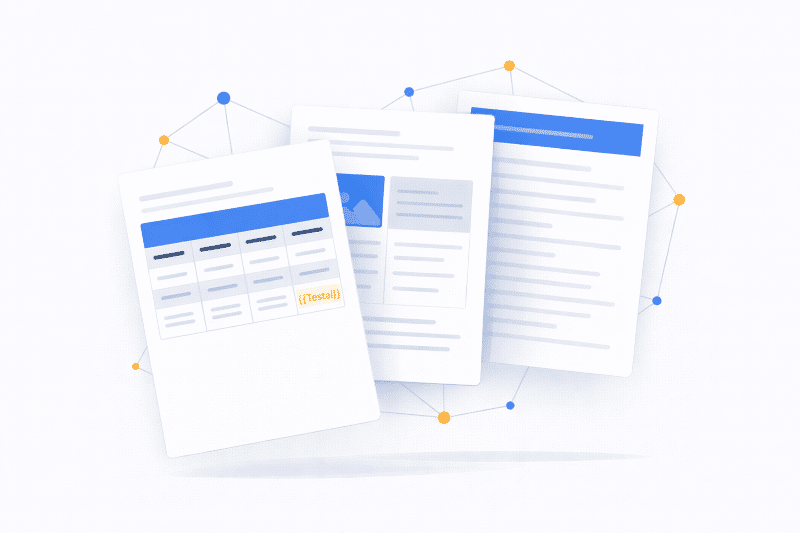
Any Custom Document
Start designing your templates today
Open the free editor and create your first document template in minutes — no installation, no account required.